

Coming soon
Referral Packet Builder
A little less document juggling.Bring referral PDFs together, put them in order, and add a professional cover page.
Create a free medical fax cover sheet with your logo. Preview and download a printable PDF.
Your details stay yours. This tool works locally in your browser. We don’t upload or store your entries. Clear the form when you’re finished on a shared device.
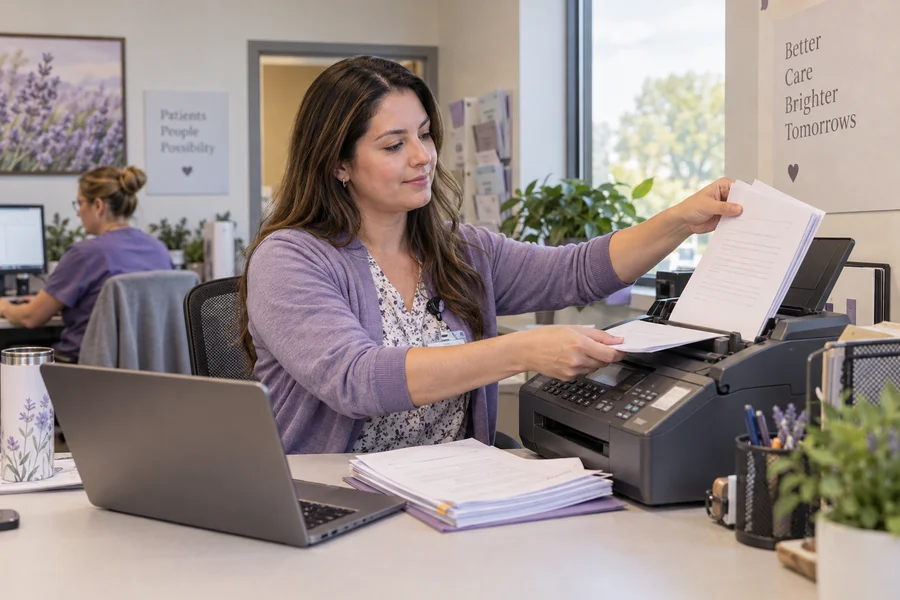
Bring referral PDFs together, put them in order, and add a professional cover page.

Build an Excel template around your team’s referral stages, dates, and follow-ups.
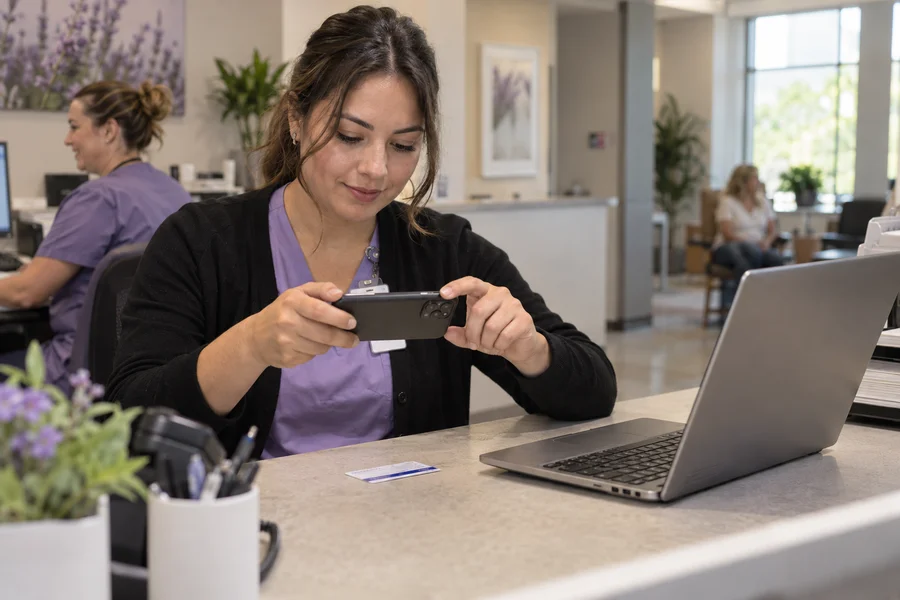
Extract the details from an insurance card, review them, and copy or export the results.

Find official payer portals, prior authorization resources, and referral guidance in one place.
Yes. Create and download as many cover sheets as you need, without signing up or entering an email address.
Yes. Upload a PNG or JPG up to 2 MB. The logo stays on your device and appears in the live preview and downloaded PDF. You can replace or remove it at any time.
It creates a PDF cover sheet only. Download it and use your organization’s approved fax service to send it with your documents.
The form, preview, and PDF generation run in your browser. Entries are not uploaded or saved by this tool. Downloaded PDFs remain on your device until you manage or delete them.
The optional notice asks an unintended recipient to notify the sender and securely destroy the fax. Follow your organization’s policies for verifying recipients and sending confidential documents.
Enter the total number of pages you will send, including this one-page cover sheet. The PDF you download here contains only the cover sheet.
This first version supports Latin letters and standard Western punctuation. Unsupported characters show an error instead of being silently replaced. A cover sheet must fit on one US Letter page.